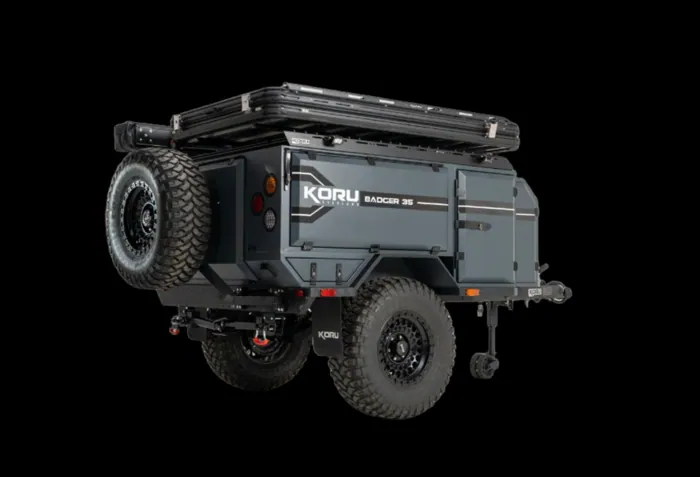
Off-Grid Comms for SAR: Starlink, LoRa Mesh and Solar Power
How SAR teams can pair Starlink backhaul with a LoRa mesh network, size a battery bank for comms runtime, and choose between solar blankets and rigid panels.
· Koru Overland
A search base that cannot talk to anyone is just a campsite. Many of the places where people go missing are also the places where cell coverage drops out: canyons, river bottoms, large ranches and state land far from the nearest tower.
This article covers three pieces that work together for off-grid communications on a search: satellite backhaul, a local mesh network, and the power to keep both running. It is written for teams planning a base, whether that base is a trailer from Koru Overland, a truck bed or a folding table under a canopy.
One ground rule first: none of this replaces your radio plan. Land mobile and amateur radio remain the backbone of field communications. The tools below fill gaps around it.
Two Different Jobs: Backhaul and Local Comms
It helps to separate communications into two jobs.
Backhaul connects the base to the outside world. It carries email, mapping data, video calls with the incident commander, weather updates and uploads of search tracks. It needs bandwidth, but only at one location.
Local comms connect the base to the people in the field. Here bandwidth matters far less than coverage, battery life and reliability. A short text and a GPS position are often all you need.
No single device does both jobs well, which is why many teams pair a satellite terminal at the base with a low-power network for the field.
Satellite Backhaul With Starlink
Low Earth orbit satellite internet, with Starlink as the most widely used service, has changed what a small team can do from a remote base. A compact terminal with a clear view of the sky can provide broadband-class internet in places that had nothing a few years ago.
Why the Starlink Mini suits small bases
The Starlink Mini is small, runs on DC power, and draws modestly for what it does. Published figures and independent testing generally put average use somewhere in the 25 to 40 W range, with short spikes above that during startup and lower draw when idle. Real consumption varies with temperature, obstructions and usage, so measure it on your own setup.
Practical setup tips
- Plan a clear sky view. Trees, canyon walls and the trailer’s own roof gear can block the signal. Run the obstruction check in the app before you settle on a spot.
- Use DC power when you can. Running a DC-powered terminal straight from the battery system avoids inverter losses.
- Route cables properly. A dedicated mount and cable path keeps the terminal stable and the cable out of doors and hatches.
- Check your service plan. Mobile and in-motion use depend on the plan you choose. Confirm current terms with Starlink before you deploy.
- Share the connection carefully. A base Wi-Fi network is convenient, but control who joins it so mapping and command traffic come first.
Local Coverage With LoRa Mesh
LoRa (short for “long range”) is a low-power radio technique designed to send small amounts of data over long distances. In the United States it commonly runs in the unlicensed 902 to 928 MHz band. Open-source projects such as Meshtastic use LoRa radios to build mesh networks for short text messages and position sharing, with no cell tower or internet connection required.
How a mesh network works
Each node in a mesh can send, receive and relay messages. When a field team member sends a message, any node in range picks it up and passes it on until it reaches the recipient. That means:
- Range grows as you add nodes, because each one extends the network.
- Placing a node on high ground, or on a mast at the base, can greatly improve coverage.
- The network keeps working when one node goes down, as long as others can still reach each other.
Direct range between two handheld nodes is usually measured in a few kilometers and depends heavily on terrain, antenna height and obstructions. Treat any advertised range as a best case and test in your own area.
What mesh is good for on a search
- Short status messages from field teams (“Segment 4 clear, returning”)
- Periodic position sharing so the base can see where teams are
- A backup text path when radio channels are busy
- Low power draw, so handheld nodes can run for long periods
What it is not
LoRa mesh is low bandwidth. It is not for voice, photos or video, and it does not replace your radios or your agency’s approved communications plan. Messages can be delayed when the mesh is busy. Use it as a supplement.
Power Budgets: How Long Will It Run?
Comms gear is only as reliable as the battery behind it. The simplest way to plan is to add up the average draw of everything on the system and divide that into usable battery capacity.
Here are example estimates for a 12 V lithium system, assuming 90 percent usable capacity and no solar input:
| Load | Approx. draw | 150Ah battery | 420Ah battery |
|---|---|---|---|
| Starlink Mini only | ~30 W | ~57 hours | ~160 hours |
| Starlink Mini + 2 laptops + radio chargers + LED lighting | ~170 W | ~10 hours | ~28 hours |
These are planning numbers, not guarantees. Inverter losses, temperature and actual device draw will change the result. Two lessons stand out:
- Satellite internet alone is a light load. It can run for days on a mid-sized lithium bank.
- Everything else adds up fast. Laptops and chargers can multiply the load several times over. If your base will run a full mapping and planning station, plan for a larger battery, solar input, or both.
For a deeper look at batteries, inverters and charging sources, see off-grid power for overland trailers.
Solar: Blankets vs Rigid Panels
Solar input stretches runtime and can make a base close to self-sustaining in sunny weather. There are two main ways to add it.
Rigid roof panels
- Always installed and always charging when the sun is out, including while driving
- No setup time
- Output is limited by roof space
- Fixed angle, and the trailer often has to be parked in the shade on hot days, which cuts output
Portable solar blankets
- Fold or roll up for storage and deploy in minutes
- Can be placed in full sun while the trailer and crew stay in the shade
- Can be angled toward the sun for better output
- Need a cable run, and have to be packed up and protected from wind
Many teams use both: a rigid panel for steady background charging and a blanket for extra input during a long stay. In Texas summers, the ability to park in the shade and put the panel in the sun is a real advantage for blankets.
Deployment Tips
- Test before the callout. Set up the full comms package during training, not for the first time at a search.
- Label everything. Cables, nodes and chargers should be easy to identify in the dark.
- Name your mesh nodes clearly. Use team or call-sign names so the base knows who is reporting.
- Elevate the base node. A short mast or high mount often helps more than any other change.
- Watch the battery monitor. Assign someone to check state of charge each period.
- Have a fallback. Know what you will do if the satellite link drops or the mesh goes quiet.
For the bigger picture on what a base trailer should include, read what a SAR team needs in a base camp trailer.
Comms Add-Ons for the Koru Muster R35
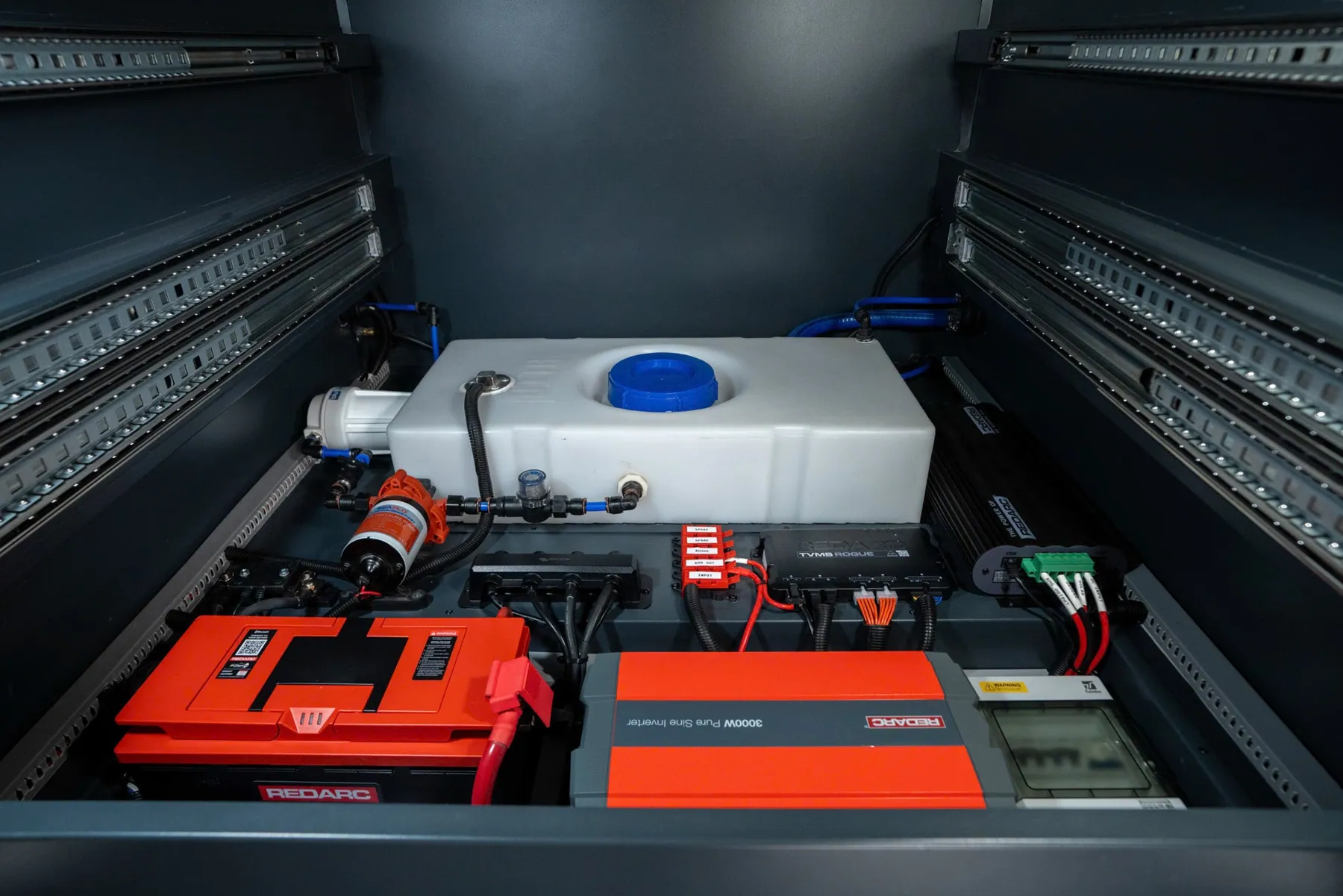
The Koru Muster R35 comes with a REDARC 150Ah lithium system, a 3,000 W inverter and shore, vehicle and solar charging inputs, so it is ready to power a small comms station. Teams can add the following, each quoted separately:
- Starlink comms package: mount, cable routing and DC power
- LoRa mesh add-on: a trailer node plus handheld nodes for off-grid text and position sharing
- Roof-mounted rigid solar
- Koru portable solar blankets: 220 to 595 W, SunPower ETFE
- Extended 420Ah battery for long operational periods
See the full configuration on the Muster R35 page, download the spec sheet, or request a quote with the add-ons your team needs.